AllMyNotes Organizer - Capture notes in under 3 seconds - instant open, system tray, encrypted locally, no cloud, no login.
The idea you had in the shower. The thought during a meeting. The thing you had to remember. By the time you log in to a note app and find the right folder, it's half-faded. AllMyNotes Organizer opens instantly - no login, no cloud sync. The system tray menu lets you capture clipboard content without even opening the main window.
Everything encrypted locally. Buy once. Capture forever.




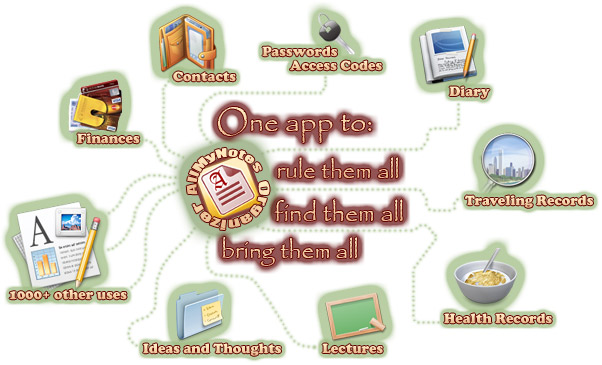

Capture in under 3 seconds - system tray, no login required.
The system tray menu is always available - right-click to paste clipboard content into a new note without opening the main app. The main window opens instantly - no sync spinner, no login screen, no cloud delay. Your last note is right where you left it. Zero friction between inspiration and capture.

Everything captured lands in your encrypted tree - instantly searchable.
Captured notes drop into your tree hierarchy exactly where you want them. Instant full-text search finds any note you've ever captured - as you type, in real time. Never dig through folders looking for something you captured six months ago. The note is there in under a second.

Capture on USB - works on any Windows PC without installing.
The Portable version runs from a USB stick - no installation needed. Capture notes on any Windows PC and take them home. Your entire note database, always with you. Encrypted, offline, no account required. One-time purchase - no monthly fees for the privilege of writing down your own thoughts.
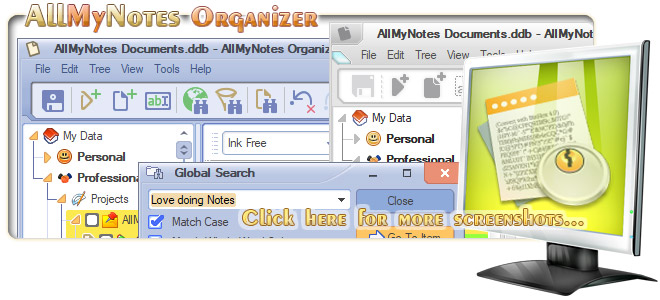
The best idea you ever had - did you write it down in time?
The problem isn't that you don't have good ideas. It's that by the time you open an app, log in, find the right folder, and type - the idea has already half-faded. AllMyNotes Organizer starts instantly, and the system tray menu lets you capture clipboard content and notes without even opening the main window. |


Minimum Requirements:

Keywords: AllMyNotes capture notes, Capture notes instantly Windows, Fast note capture Windows PC, Note capture app Windows no subscription, Note capture no cloud Windows, Note capture one-time purchase Windows, Offline note capture Windows encrypted, Quick idea capture Windows, Quick note app Windows offline, Capture notes software Windows.
Similar: Keep Notes, Journal Diary Tool, Notetaking tool.