AllMyNotes Organizer - Notes encrypted on your own PC - AES-256 + ChaCha20 encryption, no cloud, no account, no subscription.
The only notes app where security is absolute: your notes never leave your PC. No server to breach. No company with access. No cloud sync that could be intercepted.
AllMyNotes Organizer stores everything in one file, encrypted with AES-256 + ChaCha20 protection - even without a password. One-time purchase, no subscription.
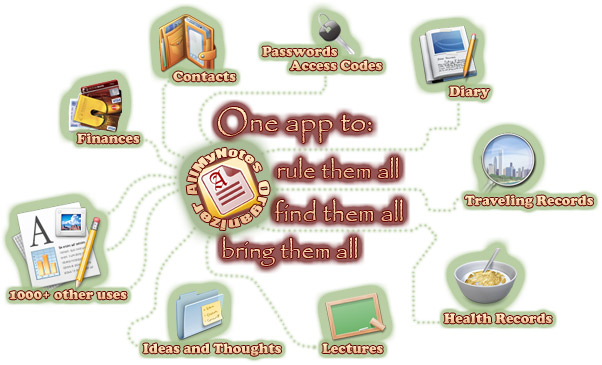
Encrypted even without a password - invisible to malware and disk scanners.
Unlike most apps that only encrypt when you add a password, AllMyNotes encodes data at the binary level from day one. Even a disk scanner or forensic tool cannot read your notes without the application. Add a password for the full AES-256 + ChaCha20 encryption layer - and individually lock specific folders with separate passwords for extra compartmentalization.
Lock everything, or just the sensitive parts.
Password-protect the entire database, or selectively lock individual folders - keep public notes accessible and sensitive ones behind a separate password. Useful if you share a PC: your work notes are visible, your private diary is locked. No cloud sync means no remote access risk - ever.
Portable and traceless - runs from USB, leaves nothing behind.
The Portable version runs directly from a USB stick - no installation, no registry entries, no temp files on the host PC. Encrypted, portable, and traceless. Take your secure notes to any Windows computer and leave no trace when you unplug.
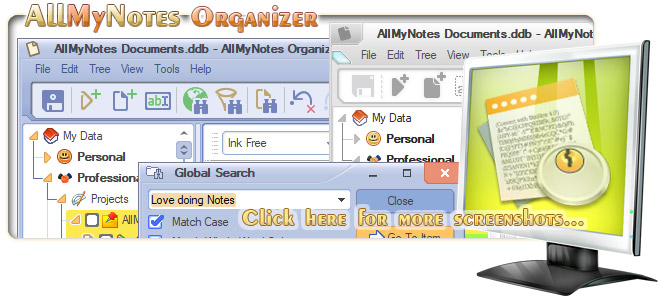
Most "secure" notes apps are secure from strangers. Not from the company that hosts them.
LastPass was breached. Evernote staff can read your notes. Notion's terms allow them to process your content. AllMyNotes Organizer doesn't have any of these problems - because there is no server. Your notes live only on your machine.
The entire file is protected by AES-256 + ChaCha20 encryption, even without a password - so disk-scanning malware can't read it. Add a password and you get a full private vault. Lock individual folders for extra layers. The Portable version runs from USB and leaves zero traces on the host PC.
One-time purchase. No subscription. No account required. Download free - 30-day Deluxe trial, no credit card.
P.S. AES-256 + ChaCha20 encryption is new in AllMyNotes 5.03, which is currently in beta. Earlier versions use a different, simpler algorithm - it has protected users' data for 17 years with no known breaches. When you open an older database in 5.03, the app offers to upgrade it to the new format.
Minimum system Requirements:

Similar: PIM (Personal Info Manager), Note making, Diary Keeper Tool, Capture Notes Software, Secure Notes Tool.