AllMyNotes Organizer - Make rich notes with tables, images, file attachments, and internal links - encrypted offline, no subscription.
Note-making is different from note-taking: it's writing to think, composing structured documents, building knowledge from scratch. For that you need more than a text box. AllMyNotes Organizer gives you a full rich text editor with tables, images, file attachments, checkboxes, and internal links - all in one encrypted local file, no cloud required.
Buy once. No subscription.




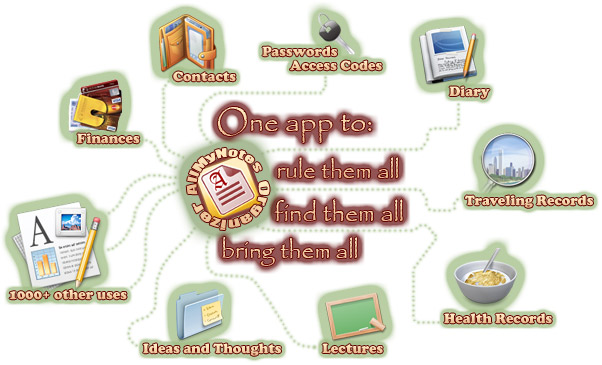

Full rich text editor - tables, images, file attachments, checkboxes.
Write with bold, italic, headings, colored text, bulleted lists. Insert tables with sortable columns. Embed images directly into notes. Attach any file type - PDFs, spreadsheets, contracts - directly inside notes. Add checkboxes anywhere in text for inline task lists. Built-in spell checker with multi-language support.

Internal links and tree hierarchy - build a connected knowledge base.
Create hyperlinks between notes - reference a source, connect a summary to its detail, link a project plan to its resources. Organize everything in a tree hierarchy that mirrors how you think. Restructure by dragging branches. The hierarchy grows with your project without becoming a mess.

Encrypt, export, and take it anywhere.
1800-bit encryption protects your work even without a password. Export notes to RTF, HTML, or plain text whenever you need. The Portable version runs from USB - take your work-in-progress to any Windows machine without installing anything. No cloud. No subscription. One-time purchase.
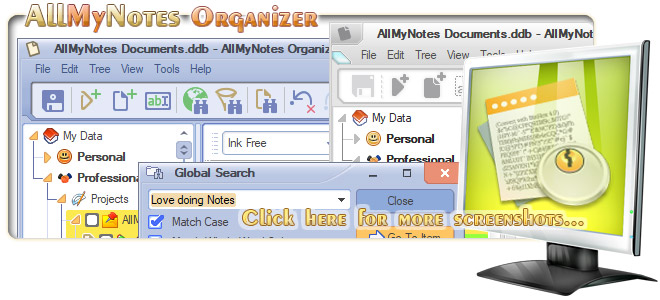
Note-taking is capturing. Note-making is thinking - and it needs a different kind of tool.
Note-making means writing to think: composing drafts, connecting ideas, building something from scratch. For that you need a rich text editor with tables, images, checkboxes, file attachments, internal links - and a structure you can reorganize as your thinking evolves. |


Minimum system Requirements:

Keywords: AllMyNotes note making, Note authoring tool Windows offline, Note making app no subscription, Note making app offline encrypted, Note making no cloud Windows, Note making one-time purchase, Note writing software encrypted Windows, Rich note editor offline Windows, Rich text note maker Windows PC, Note making software Windows.
Siblings: All-My-Notes Organizer, Daily Journal, Daily Planner, Note-Making, Tree Notes List App, Info Management, Data Curation Software for Windows.